Drag-and-Drop Explained: Complete Guide to How It Works in Modern Interfaces
What is Drag-and-Drop?
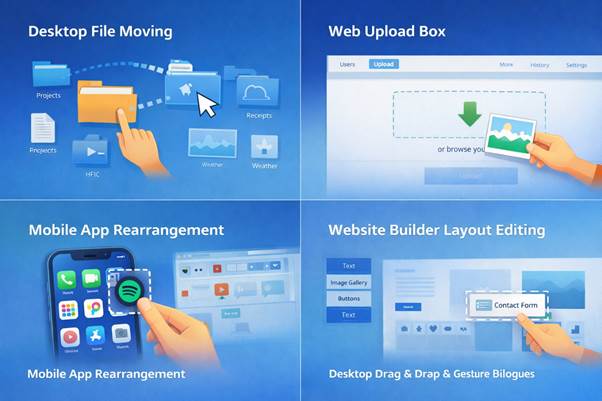
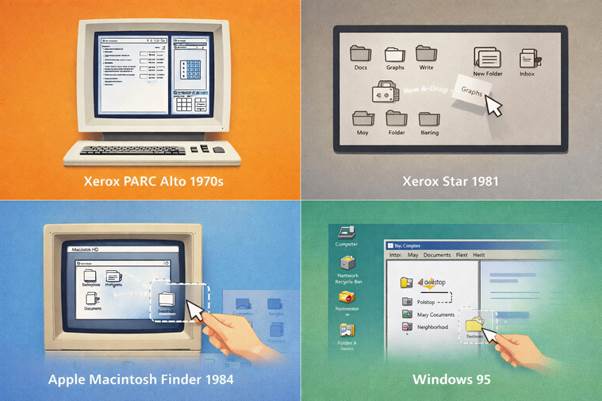
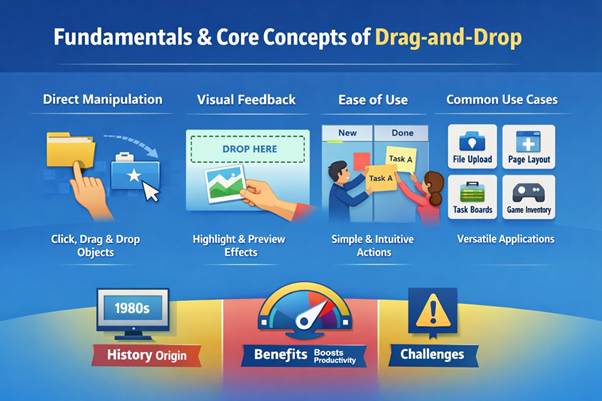
Drag-and-drop is a fundamental interaction technique that allows users to move digital objects across a screen using a pointer or touch input, often controlled with a mouse or alternative keyboard navigation. The concept is based on direct manipulation, where users interact with elements visually instead of typing commands. This approach became widely recognized in the 1980s, following research at Xerox PARC (California, USA), where scientists explored ways to make computing more accessible. One of the key contributors to this vision was Alan Kay, who believed computers should be intuitive tools for everyday people. Drag-and-drop simplifies complex operations such as file management, layout design, and content organization into a single motion. Instead of navigating menus, users can perform actions instantly by dragging items to a target location. Over time, this interaction became a standard feature in operating systems, web applications, and mobile platforms such as Windows, Linux, and MacOS. Today, it is deeply integrated into modern user interface systems and advanced GUI environments. Its success lies in its ability to mirror real-world actions in a digital environment.
Definition and Simple Explanation
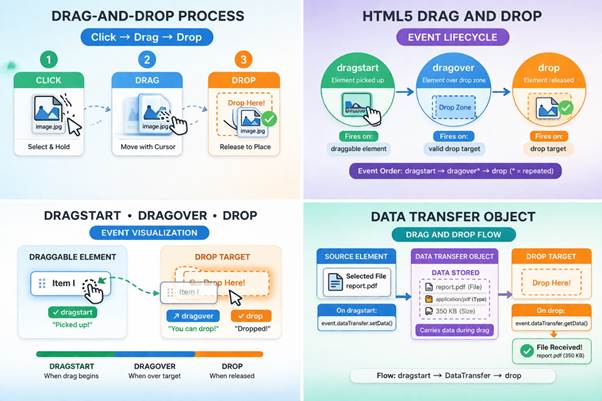
Drag-and-drop is defined as a user interface action where an object is selected, moved, and released to trigger a specific function. The process begins when a user clicks or taps on an element, which activates it for movement. This interaction model was first explored in early graphical systems developed around 1973 at Xerox PARC (California, USA). Researchers like Larry Tesler contributed to making interfaces more human-centered by reducing reliance on complex commands. As the user moves the selected item, the system tracks its position and updates the interface in real time using system resources such as CPU, ram, and optimized processors. When the object is released, the system interprets the action and performs the corresponding task, such as moving or copying data. Visual feedback, such as highlighted areas or shadow effects, helps users understand the interaction. This method reduces cognitive load because users do not need to remember commands or instructions. It also supports faster learning, especially for beginners who are unfamiliar with technical systems. Drag-and-drop remains one of the clearest examples of direct manipulation in interface design.